

Take the conference in your pocket
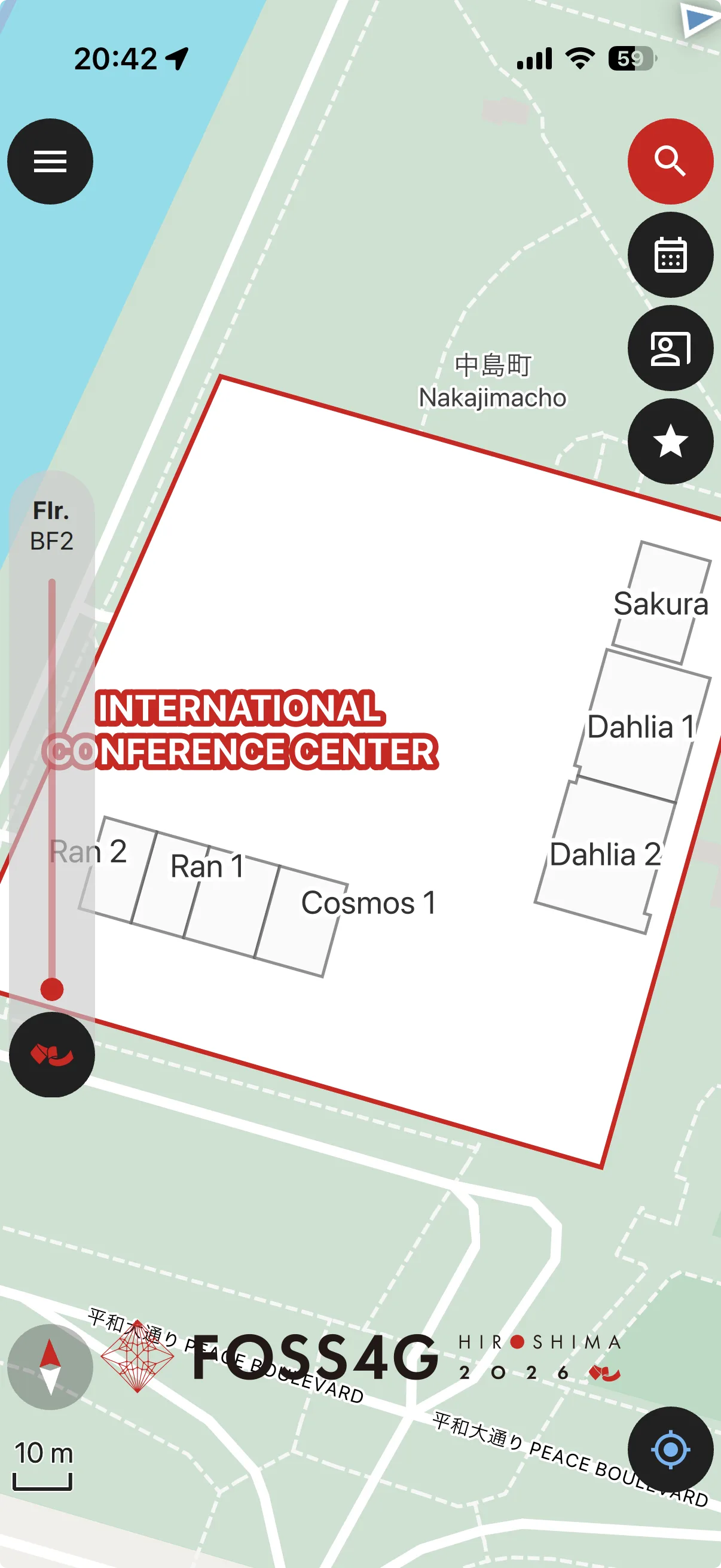
Scan the QR code with your phone to open the official FOSS4G Hiroshima 2026 project in QField — schedule, venue floor plans and nearby spots, all available offline.
What is QField?
QField is a free and open source mobile app for field data collection and editing, built on QGIS. It lets you open QGIS projects on your phone or tablet and work with them completely offline.
OPENGIS.ch has prepared a dedicated QField project for FOSS4G Hiroshima 2026. Once it is downloaded to your device, you can browse the conference schedule and find your way around the venues without an internet connection.
What you can do
Searchable schedule
Search the full conference programme and see which room each session is in, with room selection across the different floors of the venue.
Points of interest
Restaurants, hotels, bars and other useful spots around the venues in Hiroshima, ready on the map.
Works offline
Once the project is on your device, everything works without a network connection — handy if you are travelling without a local SIM or Wi-Fi.
How to get started
Install QField on your phone or tablet from the App Store or Google Play.


Scan the QR code below with your phone, or open the link underneath it.
The FOSS4G Hiroshima 2026 project opens in QField and downloads to your device — you are ready to go.
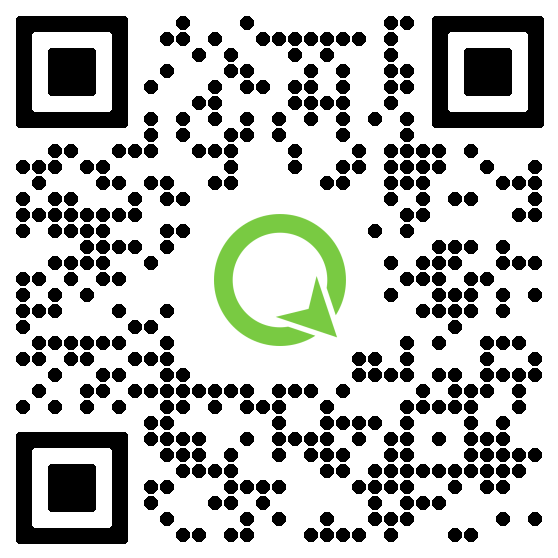
The conference project for QField is kindly provided by OPENGIS.ch.